Subnautica 2 Experimental on Steam and Xbox: Access and Separate Saves
Unknown Worlds released the opt-in Subnautica 2 Experimental branch on Steam and through Xbox Insider Hub on August 12, 2026 UTC (August 13 in China Standard Time). It previews upcoming content, smaller patches and fixes. Steam users select a beta branch; Xbox console and PC users join the Public Test through Insider Hub. Preview saves stay separate from the main Early Access build.
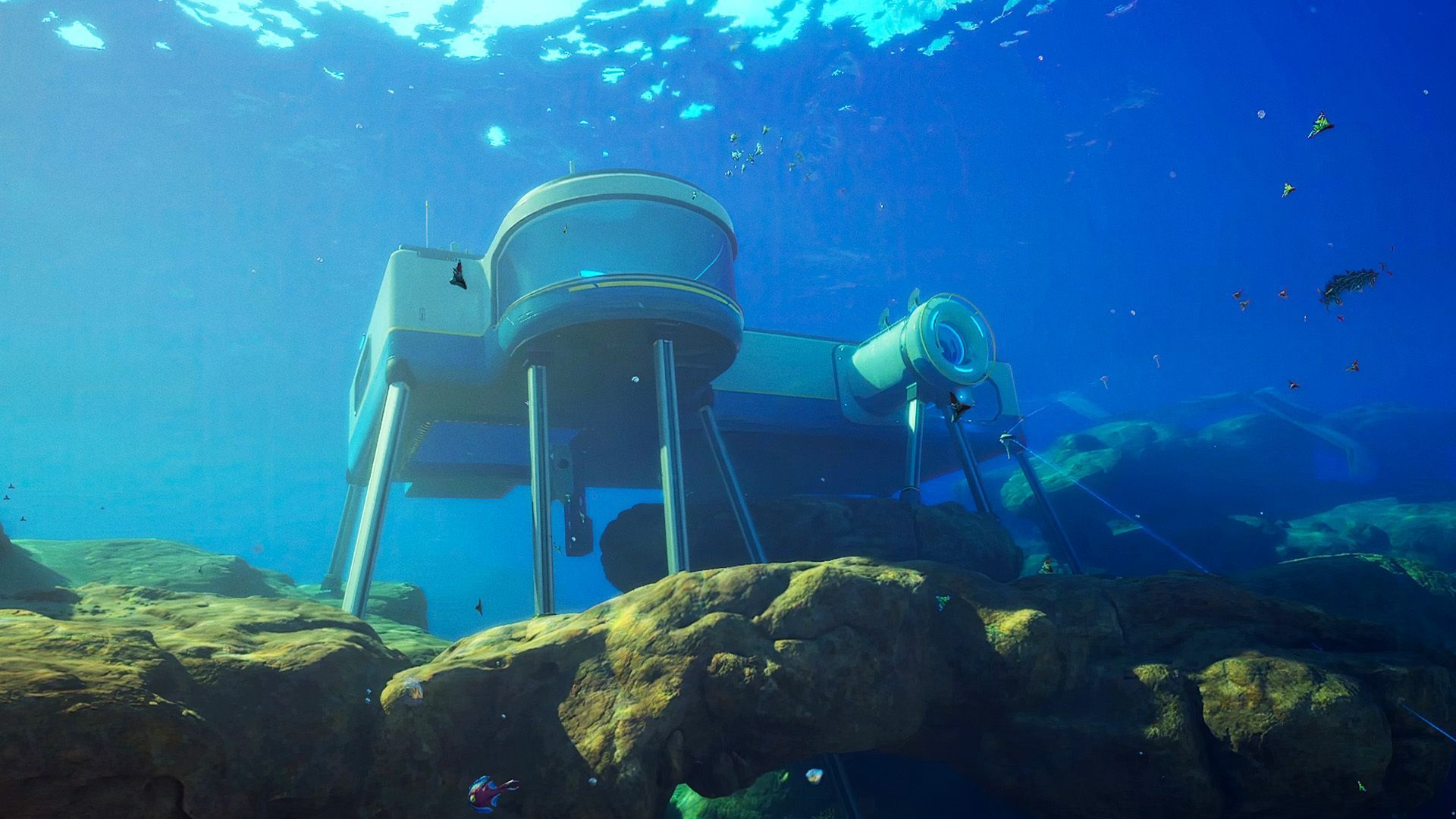
What the Experimental branch is
The Experimental branch is an opt-in preview on Steam and Xbox. Unknown Worlds uses it to show upcoming content in an earlier state and catch problems before features reach the main Early Access build. It may also preview smaller patches and fixes between major updates.
This announcement changes the testing workflow, not the public patch baseline. Buddy System Hotfix 1 is now the latest public main-branch update; Experimental remains the place to preview what may ship next.
Experimental saves do not transfer
The official warning is unambiguous: saves are not compatible between Experimental and the main branch. You cannot import a main-branch save into Experimental or export an Experimental save back to the main build. The game stores the two versions in separate locations, so your main saves should disappear from the in-game list while Experimental is active and reappear when you switch back.
On a Steam Windows installation, keep a manual copy of your main SaveGames folder before opting in. Use the platform-specific save guide for other installations. Separate locations reduce accidental loading, but preview saves can still be affected by bugs or future format changes. The game’s cross-platform Save Code feature does not permit a transfer between the main and Experimental branches.
How to opt in on Steam
- Open your Steam Library and right-click Subnautica 2.
- Select Properties, then open the Game Versions & Betas tab.
- In Beta Participation, select Experimental.
- Close the window and let Steam download the branch before launching.
How to join on Xbox console or PC
The official announcement requires participants to be 18 or older and either own Subnautica 2 or have an active Game Pass Ultimate subscription. The Xbox route uses Insider Hub rather than Steam’s beta menu.
- Install the free Xbox Insider Hub app from the Store on your Xbox console or PC.
- Open it and sign in with your account.
- Open Previews, select Subnautica 2 Experimental (Public Test), then choose Join.
- Wait for registration to complete and follow the installation prompt. The announcement says a console restart may be needed to trigger the update.
The announcement provides these Steam and Xbox access paths. It does not give an Epic Games Store enrollment procedure. Keep your main-branch world separate whichever testing platform you use.
What to expect from the preview build
- More bugs. Unknown Worlds warns that Experimental builds can contain game-breaking bugs.
- No daily cadence for now. The team says builds will be uploaded shortly before wider releases rather than updated every day as the original Subnautica and Below Zero branches were.
- Separate test worlds. Start a new Experimental world for testing. Backing up a main-branch save does not make it compatible with Experimental.
- Feedback is part of the point. The official announcement points players to a support FAQ for reporting bugs and providing feedback; include the branch and build in every report.
Official sources: Unknown Worlds Experimental announcement, including Steam and Xbox steps and the Steam announcement.
Related pages
Updates Tracker
See the Experimental announcement and the current Buddy System Hotfix 1 main-branch baseline.
Save File Location
Back up the right save folder before opting into a preview build.
Cloud Saves
Understand same-ecosystem sync and why branch saves must stay separate.
Troubleshooting
Check branch, version, mods, and save state before reporting a crash.